

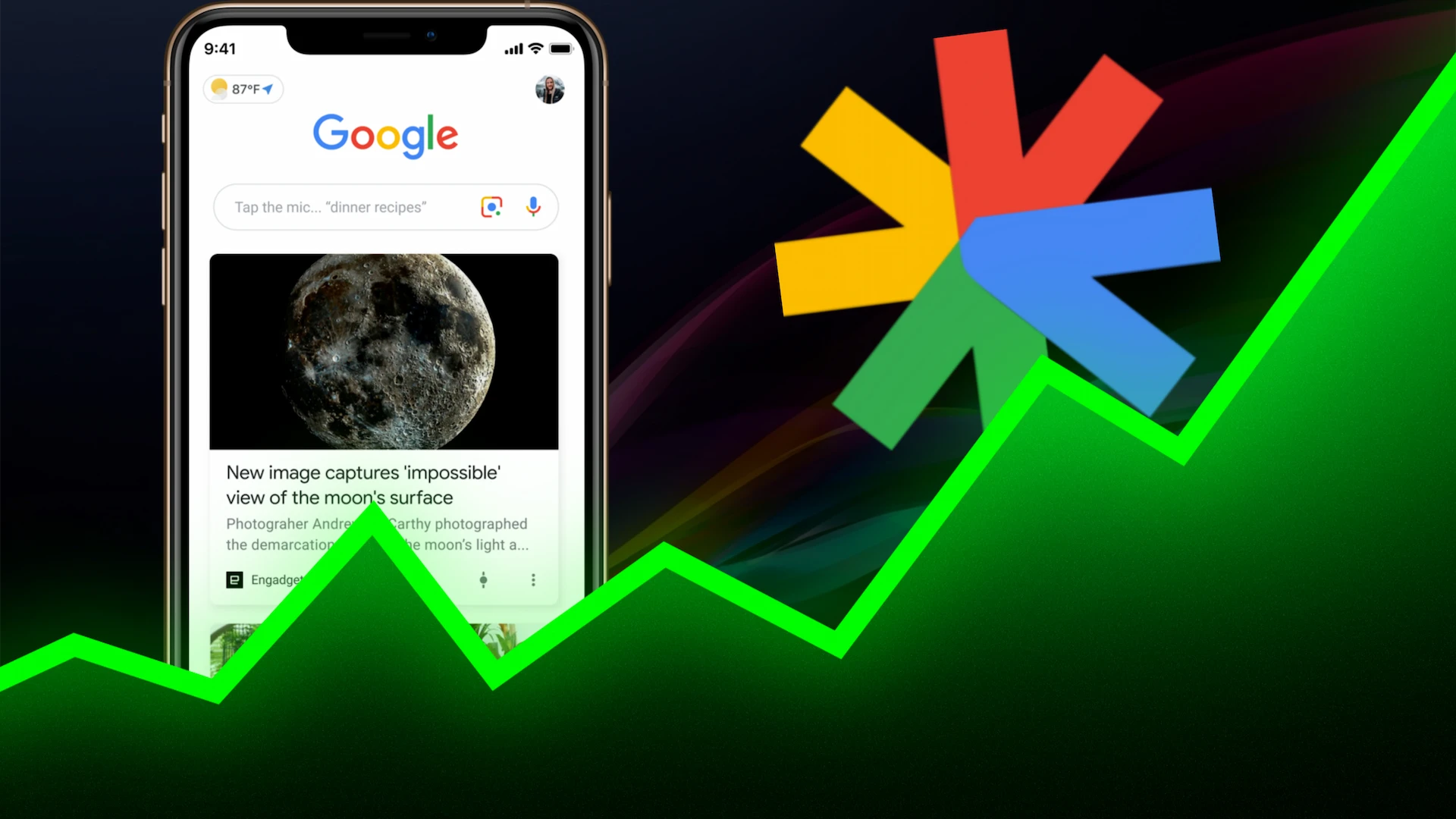
Google Discover has become a holy grail for publishers and content creators. Unlike traditional search, where users actively look for queries, Discover brings the content to the user based on their interests. Hitting the Discover feed can result in massive, overnight spikes in organic traffic.
But how do you convince Google’s algorithm that your content deserves a spot in millions of personalized feeds?
The secret lies in content velocity—the speed at which your newly published article gains traction and engagement. One of the most powerful, yet underutilized, tools to generate this initial burst of velocity is web push notifications.
Here is the complete guide on how to leverage push notifications to trigger the Google Discover algorithm, featuring the strategic use of Trust Push to maximize your results.
Why Google Discover Loves Push Notification Traffic
Google Discover does not rely on traditional SEO metrics like backlinks or keyword density. Instead, it relies on behavioral signals. When Google sees a newly published article suddenly receiving a flood of high-quality, engaged traffic, its algorithm takes notice.
Here is how push notifications perfectly align with Discover’s algorithm:
- Instant Traffic Spikes: The moment you hit “publish,” a push notification sends thousands of loyal readers directly to your article. This rapid influx signals to Google that the content is “trending.”
- High Engagement Rates: Push subscribers are your most loyal fans. They spend more time on the page, scroll further, and are less likely to bounce. High dwell time is a massive ranking factor for Discover.
- Returning Visitors: Discover prioritizes websites that users frequently return to. Push notifications guarantee a steady stream of returning visitors, boosting your site’s overall authority in Google’s eyes.
The Step-By-Step Strategy to Trigger Discover via Push
To successfully use push notifications as a springboard into Google Discover, you need a coordinated approach.
1. Optimize Content for the Discover Feed
Before sending a push, your content must be built for the feed.
- High-Quality Visuals: Discover is highly visual. Use compelling, high-resolution images (at least 1200px wide). Google explicitly states this is a primary requirement.
- Emotional & Engaging Titles: Your title shouldn’t be clickbait, but it must spark curiosity. Think less “SEO keyword” and more “social media hook.”
- Focus on E-E-A-T: Ensure your content demonstrates Experience, Expertise, Authoritativeness, and Trustworthiness.
2. Build a Massive, Highly-Engaged Subscriber List
You cannot send a traffic spike without a list. You need a push notification provider that makes it incredibly easy for users to opt-in with a single click.
3. Send the Push Immediately After Publishing
Timing is everything. To show Google that your article is breaking news or highly relevant right now, the traffic spike needs to happen immediately after the article goes live.
4. Segment Your Audience for Higher CTR
Do not blast every article to every subscriber. If you publish a sports article, send it only to your sports segment. High Click-Through Rates (CTR) on your push notifications translate to a more concentrated, engaged traffic spike on your website, sending a stronger signal to Google.
Why Trust Push is Your Secret Weapon for Discover Traffic
The strategy outlined above relies entirely on deliverability speed and click-through rates. If your push notification takes hours to deliver, you lose the “velocity” signal. This is where your choice of software makes or breaks the strategy.
For publishers serious about unlocking Google Discover, Trust Push is the ideal infrastructure. Here is why:
- Lightning-Fast Delivery: Trust Push is engineered for immediate delivery. When you hit send, your subscribers get the notification instantly, creating that sudden surge in traffic that the Discover algorithm craves.
- Advanced Segmentation: Trust Push allows you to easily segment your audience based on categories. Sending the right content to the right user dramatically increases your engagement metrics.
- High Opt-In Rates: With customizable and non-intrusive opt-in prompts, Trust Push helps you build your subscriber list faster than legacy platforms, giving you a larger base to draw traffic from.
- Automated Campaigns: You can connect your WordPress website to Trust Push so that a notification is fired off the exact second a new article goes live, ensuring zero delay in your content velocity strategy.
Best Practices for Push-to-Discover Success
To maintain a healthy relationship with both your subscribers and Google, keep these rules in mind:
- Don’t Over-Send: Bombarding your users will lead to high unsubscribe rates. Limit your pushes to your absolute best, Discover-worthy content.
- A/B Test Your Push Copy: Just like your article title, your push notification title matters. Use tools to test different hooks to maximize your initial click-through rate.
- Analyze the Data: Keep a close eye on your Google Search Console (specifically the Discover tab). Note which types of pushed articles get picked up by Discover and replicate that format.
Conclusion
Getting traffic from Google Discover isn’t just about luck; it is about engineering the right algorithmic signals. By combining highly engaging content with the immediate, targeted traffic spikes generated by web push notifications, you can force the algorithm to pay attention.
By utilizing a high-performance platform like Trust Push, you ensure your notifications are delivered instantly to the right audience, giving your content the exact momentum it needs to dominate the Discover feed. Start building your list today, and watch your organic traffic soar.